The 2026 "APRIL Rural" Mobile App with Conference Information is Now Available!
Click Here to View a "How To" with ASL Walk Thrugh Video of the App on the APRIL Youtube Channel
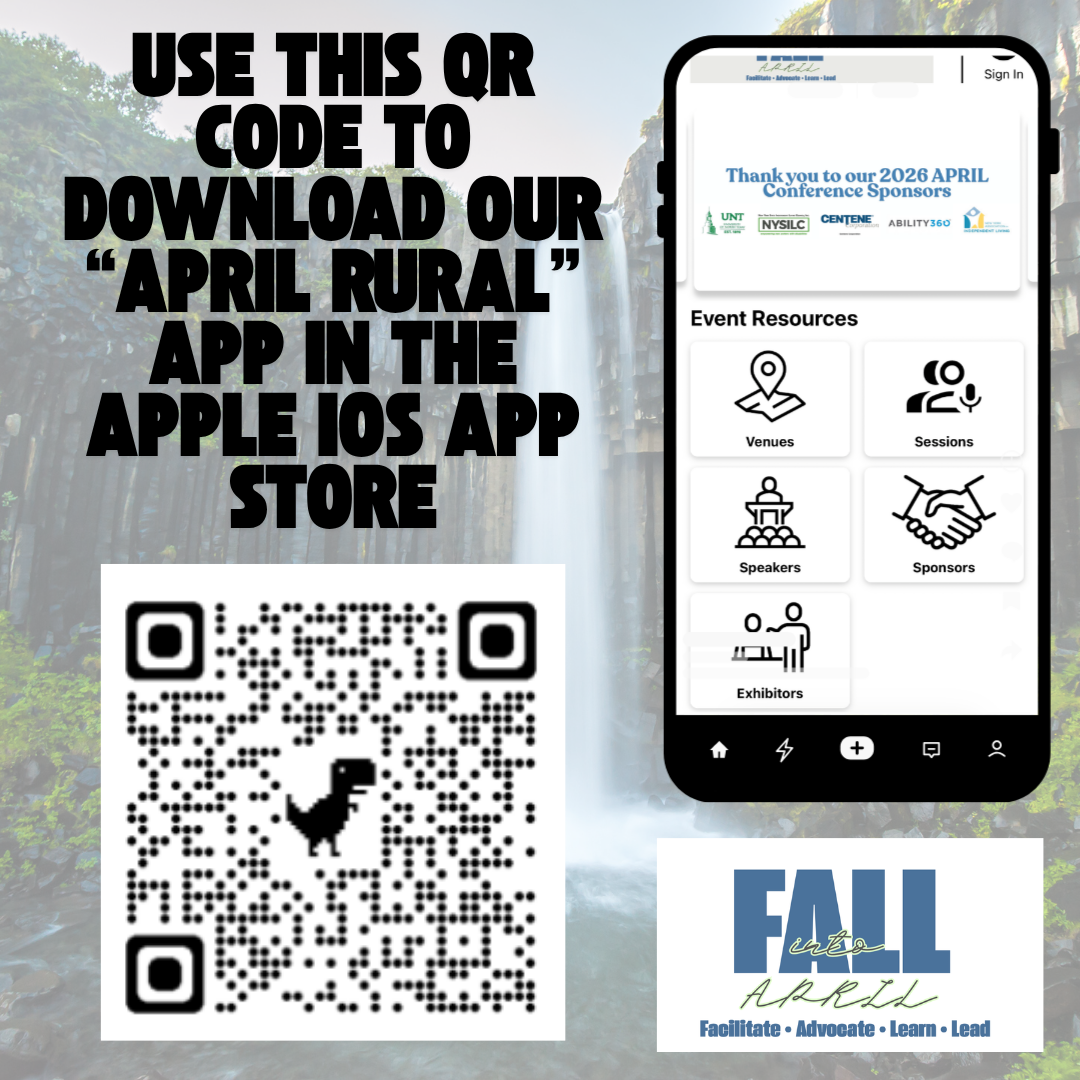
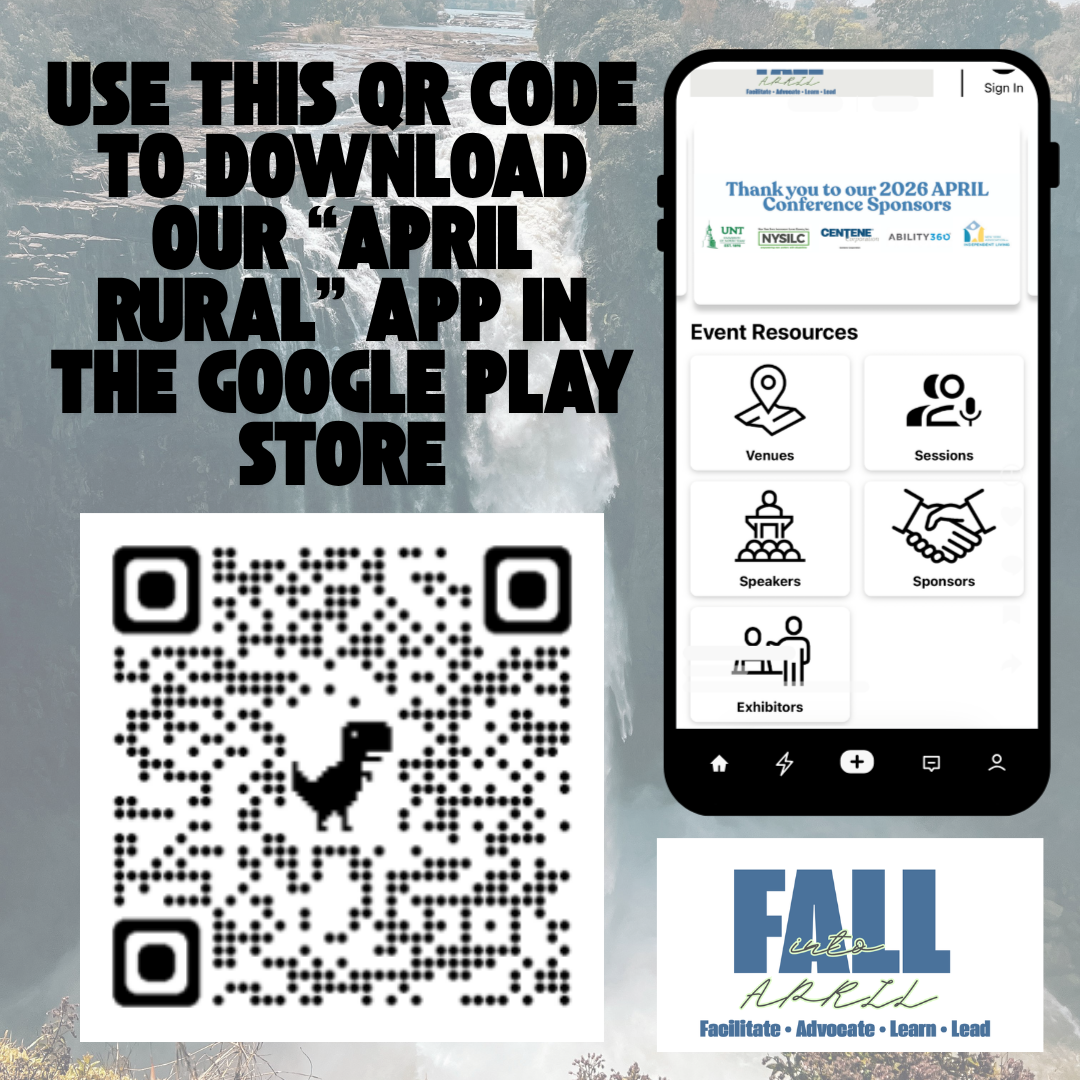
Apple App Store Google Play Store
Scan one of the QR codes above to access the free conference app,
or search "APRIL Rural" in the Apple App Store or Google Play Store.
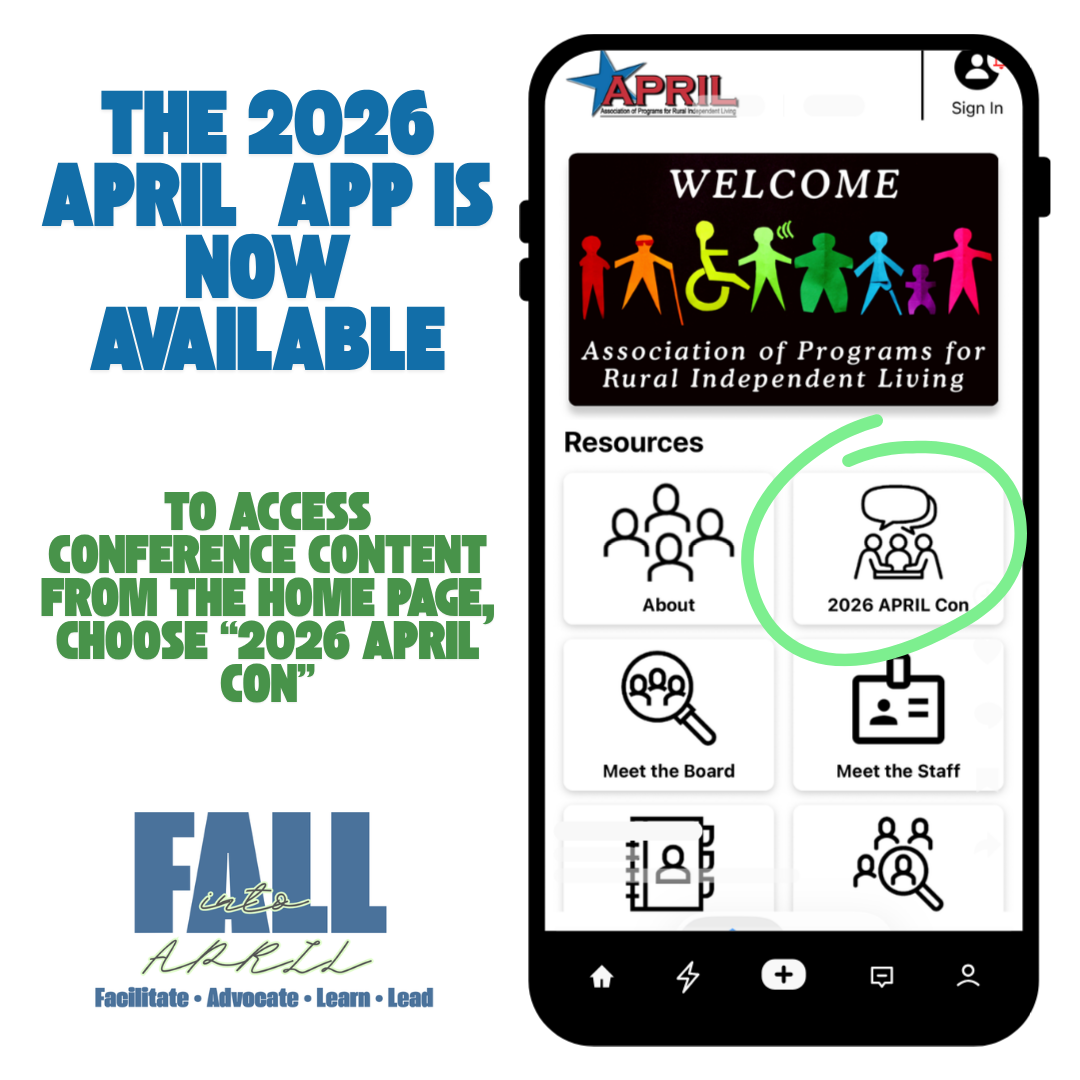
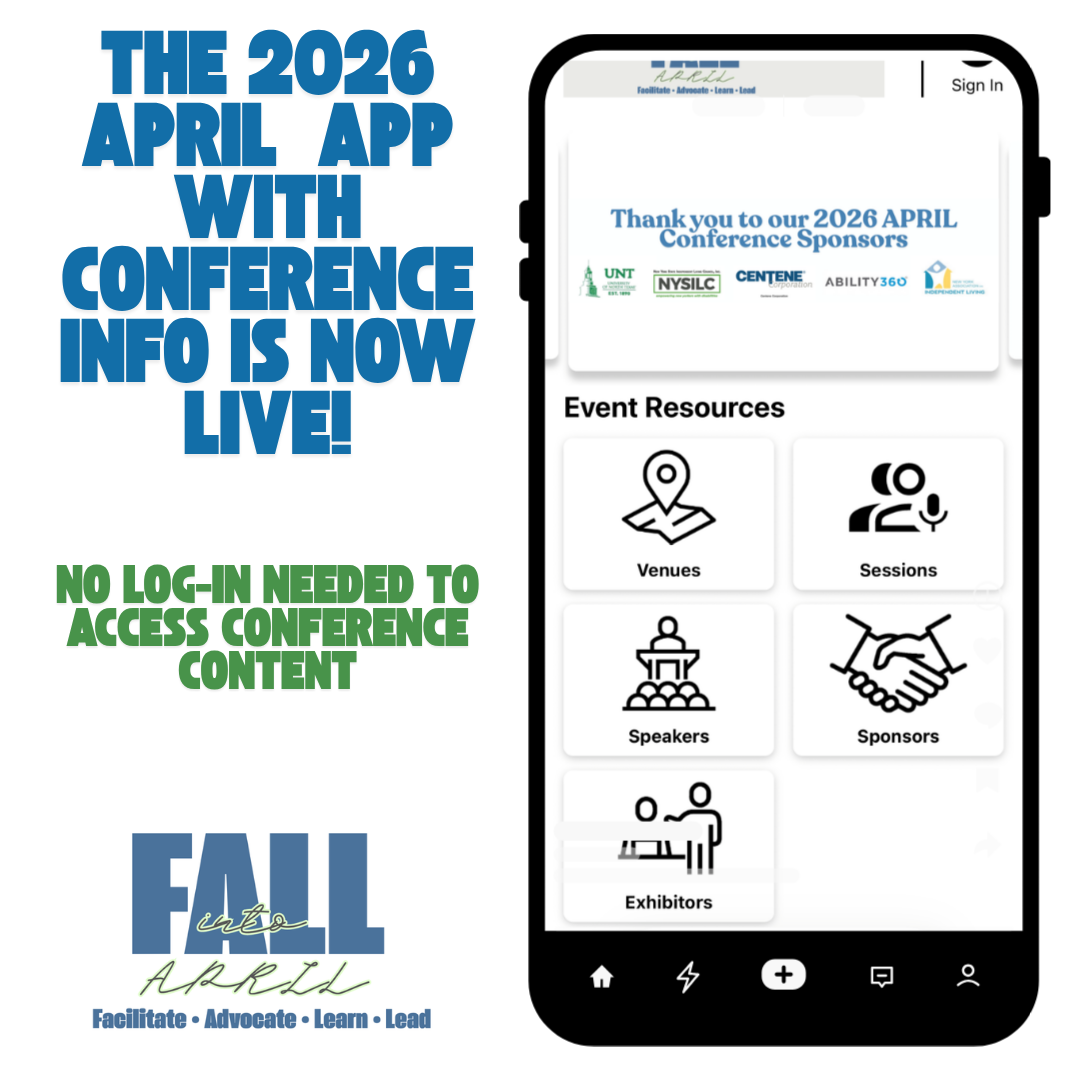
Use the app to view the APRIL information, get Membership-specific access if you are a member organization or individual in good standing, and access the 2026 conference schedule, learn about our sponsors and vendors, and connect with your fellow conference attendees via the in-app Event Feed.
At this time, there is no need to log into the app. IF that changes, we will notify all Conference registrants and you will follow these steps to log-in:
1. Download and open the app on your phone
2. Click on the profile icon in the top right of the app labeled "Sign In."
3. Click "Sign In"
4. Enter the email address you used to register for the Conference (if you're not sure which email you used to register, please contact Rachel Kaplan at
5. Check your email for an access code sent to you by MobileUp (
6. Enter the access code in the email into the app
You will now be logged in, and can edit your profile!